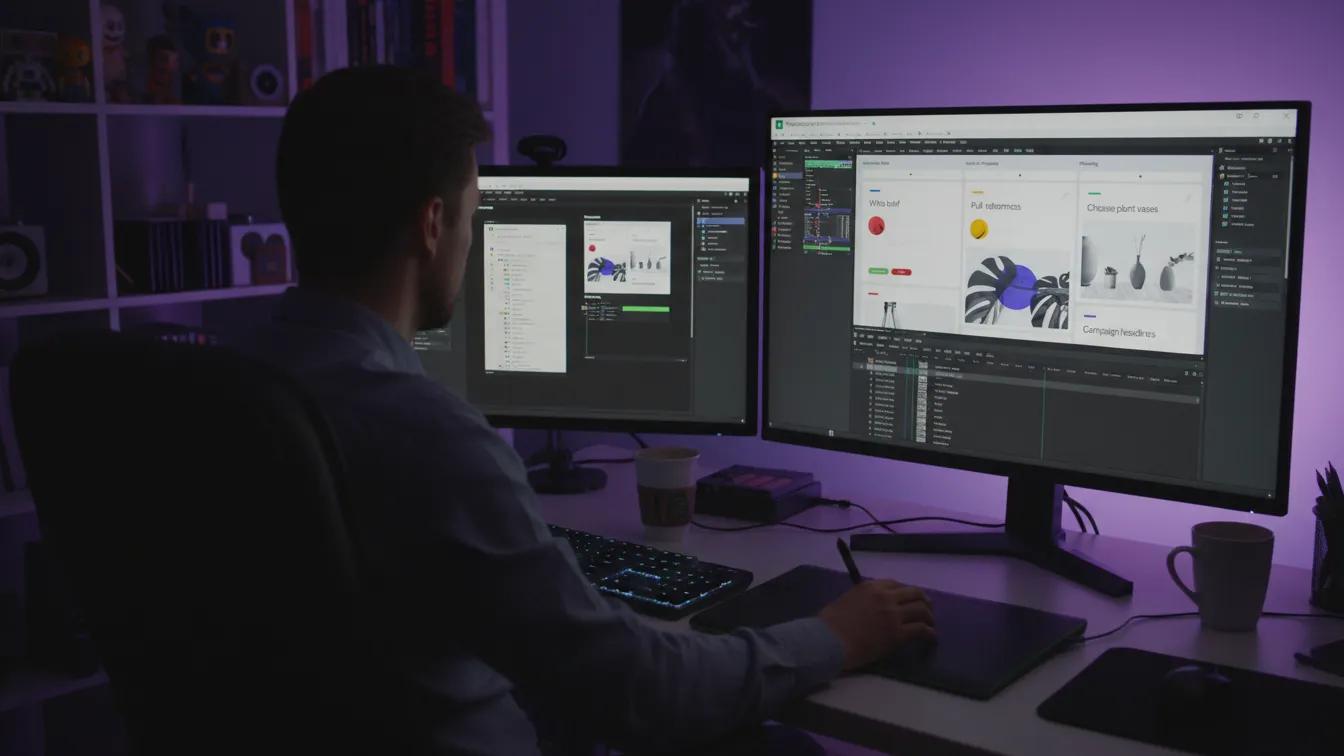
In the SaaS world, demo videos are a critical tool for turning interested prospects into paying customers. Unlike explainer videos, which focus on simplifying your product’s value proposition, demo videos dive into real functionality, showing potential users exactly how your software works and why it meets their needs.
According to Wyzowl, 91% of SaaS marketers say video increases user understanding, and companies using demo videos report up to 44% higher lead-to-customer conversion rates compared to those relying on text or screenshots alone. Demo videos help shorten sales cycles, reduce friction, and build trust, giving prospects confidence by showing features in action, workflows, and expected outcomes.
In this comprehensive guide, we’ll explore why demo videos are essential for SaaS, how to structure them for maximum impact, best practices for production, cost considerations, and metrics to track ROI.
Why SaaS Companies Need Demo Videos
SaaS products can be complex, with multiple features, integrations, and workflows. Prospects often hesitate to purchase software they haven’t seen in action. Demo videos bridge that gap, providing a low-friction way to showcase real functionality.
Some benefits of demo videos for SaaS include:
Visualizing Product Value: Prospects see the benefits in action, not just described in text.
Reducing Cognitive Load: A 2-minute visual demonstration can communicate what a 10-page product sheet cannot.
Accelerating Decision-Making: Seeing a live demo reduces hesitation and questions, moving leads faster through the funnel.
Building Trust: Live demonstrations show authenticity and reduce skepticism about product claims.
Increasing Engagement: Data shows users spend up to 5x more time on product pages with demo videos, increasing the chance of conversion.
Demo videos are especially valuable in mid-funnel or decision-stage content, where prospects compare solutions and evaluate whether your software meets their requirements.
Key Elements of an Effective SaaS Demo Video
Demo videos require strategy, clarity, and outcome-driven focus. The following elements are critical:
Define Your Objective: Decide what the demo video should achieve. Are you demonstrating a single feature, onboarding new users, or addressing a common pain point? Clear objectives ensure the content remains focused and relevant.
Understand Your Audience: Tailor the demo to the viewer’s persona. Executives may want to see metrics like ROI, while technical users care about workflow efficiency, integrations, and data security. A demo that does not consider audience needs risks disengagement.
Script and Storyline: Even live demos benefit from a script. A narrative ensures key features are highlighted, workflows are smooth, and unnecessary details are avoided. Start with a realistic use case and show how your product solves a specific problem.
Highlight Core Features: Focus on features that deliver tangible results, not every minor capability. Showcase the value a prospect will get within their first days or weeks using the software.
Smooth Navigation and Flow: Ensure transitions between features are intuitive. Clunky navigation or unstructured demos confuse prospects and reduce effectiveness.
Professional Audio & Visuals: High-quality audio, clear visuals, and legible on-screen text are essential. A 2024 survey by Vidyard found that poor audio is the top reason 37% of viewers drop off demo videos.
Clear Call-to-Action (CTA): End with a CTA aligned with your objective: signing up for a trial, scheduling a live demo, or contacting sales. This converts engagement into measurable results.
Types of Demo Videos for SaaS
Demo videos come in multiple formats, each suited for different objectives and buyer stages:
- Full Feature Walkthroughs: Comprehensive tours of multiple product features, suitable for decision-stage prospects evaluating your software in depth. These videos often range from 5 to 15 minutes and are used on landing pages or in personalized sales sequences.
- Short Task-Focused Demos: Highlight a single feature or workflow to demonstrate quick wins. Ideal for email campaigns, social media, or awareness campaigns. These videos typically last 60–120 seconds, enough to show value without overwhelming the viewer.
- Interactive Demos: Let users navigate a virtual interface themselves, often embedded on your website. Interactive demos can increase trial sign-ups by up to 30%, as users feel in control and confident about the software.
- Hybrid Demos: Combine animated overlays, annotations, or callouts with live screen recordings. Effective for emphasizing complex processes while keeping the demo engaging.
Demo Videos in the SaaS Buyer Journey
Mapping demo videos to the buyer journey ensures they drive conversions and reduce friction:
- Consideration Stage: Prospects are evaluating options. Short, task-focused demos highlight differentiators and help prospects understand value quickly.
- Decision Stage: Full-feature walkthroughs or hybrid demos allow prospects to see detailed functionality, verify compatibility, and confirm that your software meets their needs. Including customer-specific examples or scenarios here increases credibility.
- Onboarding Stage: Demo videos can also be repurposed for new users, helping them adopt features faster, reducing support tickets, and improving product satisfaction. Data shows that users who view onboarding demos are 23% more likely to adopt advanced features within the first month.
By aligning demos with the buyer journey, SaaS companies can create content that supports lead conversion, adoption, and retention, making demo videos a critical long-term asset.
Cost Considerations for SaaS Demo Videos
Budgeting for demo videos depends on style, length, production complexity, and polish.
- A short task-focused demo, highlighting a single feature or workflow, typically costs between $1,500 and $5,000. These videos are fast to produce and effective for marketing emails or landing pages.
- A full-feature walkthrough covering multiple modules could range from $5,000 to $15,000, especially if professional editing, callouts, or motion effects are included. This type of demo is valuable in the decision stage to reduce sales friction.
- A hybrid demo combining animation, annotations, and live screen recordings can cost $7,000 to $20,000, reflecting higher production complexity and the need for more editing time.
When budgeting, focus first on demos with the highest potential impact on conversion or adoption. ROI tracking helps justify scaling production once formats are proven effective.
Best Practices for Production and Distribution
Pre-Production Planning: Outline the script, determine which features to highlight, and structure the demo flow for clarity. This reduces rework and ensures alignment with objectives.
Professional Recording: Use high-quality screen capture tools, clear visuals, and crisp audio. Avoid awkward mouse movements or glitches that can distract viewers.
Post-Production Enhancements: Add callouts, annotations, or animated highlights to emphasize key points. Include captions for accessibility and social media engagement.
Test, Iterate, Optimize: Evaluate engagement metrics and feedback to refine video length, structure, and messaging for maximum impact.
Strategic Distribution: Embed demos on website landing pages, email sequences, CRM workflows, and sales presentations. Short clips can also be shared on social media to attract leads or re-engage existing users.
Measuring ROI
Effective demo videos require tracking both engagement and conversion metrics:
- Viewer Engagement: Average watch time, completion rate, and drop-off points highlight what resonates and what may be confusing.
- Conversion Metrics: Click-through rates, trial sign-ups, and demo requests tied to video engagement indicate effectiveness.
- Trial-to-Paid Conversions: Assess whether users who watch demos are more likely to convert than those who don’t.
- Impact on Support Tickets: Reduced inquiries can indicate that the demo successfully clarifies usage.
Integrating video analytics with CRM and marketing automation tools ensures you can connect video performance directly to revenue outcomes.
Conclusion
Demo videos are an essential SaaS marketing and sales tool, helping prospects see software in action, understand value, and make confident purchasing decisions. When strategically planned, professionally produced, and aligned with the buyer journey, demo videos accelerate conversions, improve adoption, and reduce support friction.
Investing in demo videos should be seen as a long-term asset. Short, task-focused clips can generate leads, full-feature walkthroughs can shorten sales cycles, and hybrid demos can close high-value deals. Combined with tracking, iteration, and distribution strategy, demo videos become a cornerstone of a SaaS video marketing ecosystem, maximizing ROI and supporting business growth.